Hi, you are logged in as , if you are not , please click here
You are shopping as , if this is not your email, please click here

BIM Fundamentals and Applied Revit Training

Info

Course Information

BIM course

As Building Information Modelling (BIM) continues to establish itself as an integral method in the construction industry,  its use is expected to become even more widespread in the near future.  However, there remains a significant skills gap in both conceptual understanding and  practical implementation of BIM processes among professionals.

This course is designed to bridge that gap by providing comprehensive knowledge of the BIM concept and its application  in professional practice. 

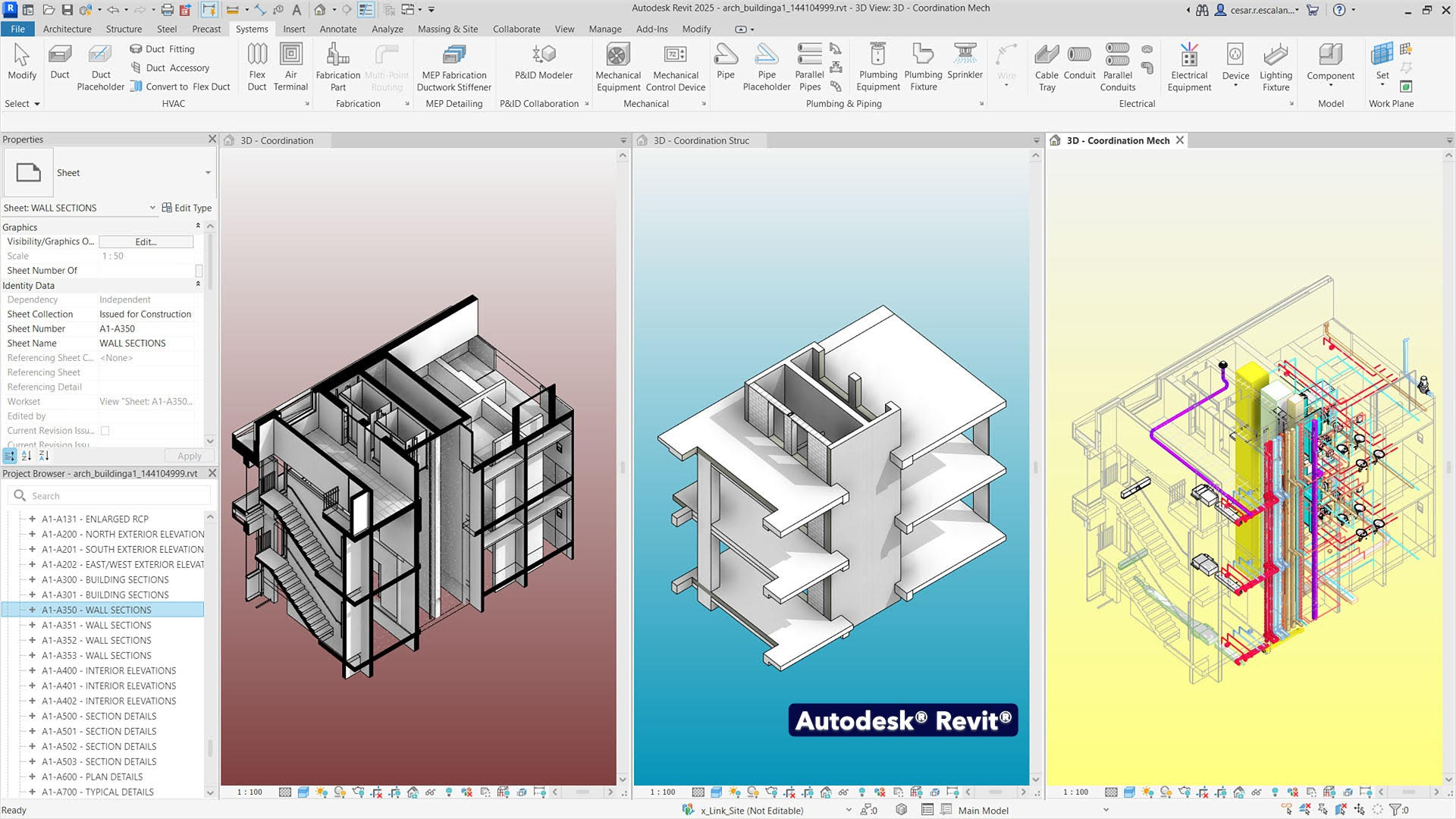
Although the course is primarily Revit focused, it begins with a week dedicated to explaining the concept of BIM and its processes, before moving on to the three-week Revit training tailored for architects. This structure helps participants better understand how Revit supports and fits into the broader BIM framework.

Standard Course fee: £795

Oxford Brookes University Students and Alumni Course fee: £725*

Course Code

TDEARCH-BIM

Course Leader

Arda Inceoglu
Course Description

Course Content

Week 1: Building Information Modelling 

14 March, 13:00-17:00

This session will provide a comprehensive introduction to the concept of Building Information Modelling. BIM workflows will be explained with reference to real-world professional experience. The session will cover a brief history of BIM, commonly used terminology, key digital construction concepts, standards, and the practical implications of BIM across the building lifecycle. Participants will begin actively engaging in the modelling process, incorporating data.

Key Topics: 

● What is BIM? 

● BIM Terminology and Concepts 

● BIM Standards and Protocols 

● BIM Case studies

● BIM in Practice 

● Live Overview of Revit and Autodesk Construction Cloud

● Revit and Data


Week 2: Introduction to Revit 

21 March, 13:00-17:00

Participants will be introduced to the fundamentals of Autodesk Revit with a focus on its use in architectural practice. The session will cover the user interface, essential terminology, project setup, and basic modelling tools. Revit’s parametric structure and how it differs from traditional CAD approaches will be highlighted. By the end of the session, participants will begin to model in Revit and will be assigned a small exercise to complete before the following week. This session includes live demonstrations in Revit. 

Key Topics: 

● Revit Features for Architects 

● Understanding the Revit User Interface 

● Starting a Project 

● Basic Modelling Techniques 

● Navigating Views and Sheets 

● Annotations and Documentation 


Week 3- Revit Families and Parameters

28 March, 13:00-17:00

Families and parameters are central to the BIM workflow and enable the creation of data-rich, flexible models. This session will explore the concept of families in Revit, including how to model and customise them. Participants will also learn how to work with parameters to embed and manage building data. The relationship between parametric design and information management will be explored, and useful plugins for enhanced functionality will be discussed. 

Key Topics: 

● Introduction to Families in Revit 

● Creating and Editing Families 

● Working with Parameters 

● Generating Schedules and Quantities 

● Using Plugins for Enhanced Workflow 

Assignment:

Participants will complete a task that applies family creation and parameter management in a simple modelling scenario.


Week 4- Coordination and Collaboration

11 April, 13:00-17:00

This final session focuses on interdisciplinary collaboration and model coordination. Participants will learn how to link models from different disciplines, manage collaborative workflows, and resolve conflicts using industry tools. The use of Autodesk Construction Cloud and Navisworks for clash detection will be demonstrated.  Best practices for exporting and sharing models will also be covered. 

Key Topics: 

● Worksharing and Team Collaboration (Worksets, Links)

● Exporting and Coordinating BIM Models

● Clash coordination on Autodesk Construction Cloud

● Parametric approach using Dynamo

StartEndPlaces LeftCourse Fee 
14/03/202611/04/20260£795.00[Read More]
14/03/202611/04/20260£725.00[Read More]